💡 Quick Info
If you just came here to find out if you essentially need the Expansion Pak to play games on your N64, the answer for 99% of the library is: No. Most of the all-time classics work perfectly with the standard Jumper Pak. However, there are a few legendary exceptions where this little red upgrade is absolutely mandatory or unlocks the “real” game—you can find the full list of these specific titles further down in this article!
Table of Contents
ToggleThe N64 Expansion Pak: Doubling the Power
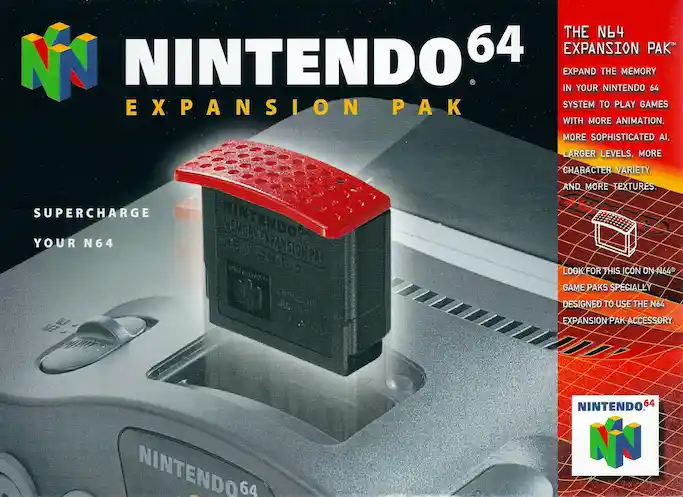
If the Controller Pak is your “hard drive,” the Expansion Pak is your RAM upgrade. Released in 1998, this red-topped cylinder replaced the original “Jumper Pak” and doubled the Nintendo 64’s memory from 4 MB to 8 MB.
While that sounds tiny today, in the late 90s, it was a game-changer that allowed for higher resolutions, better textures, and more complex gameplay.
Mandatory vs. Enhanced: Do you really need it?
Not every game uses the extra memory, but the library is divided into two distinct categories: The titles that require it, and those that benefit from it without being required.
The “Required” Titles (Won’t run without it)
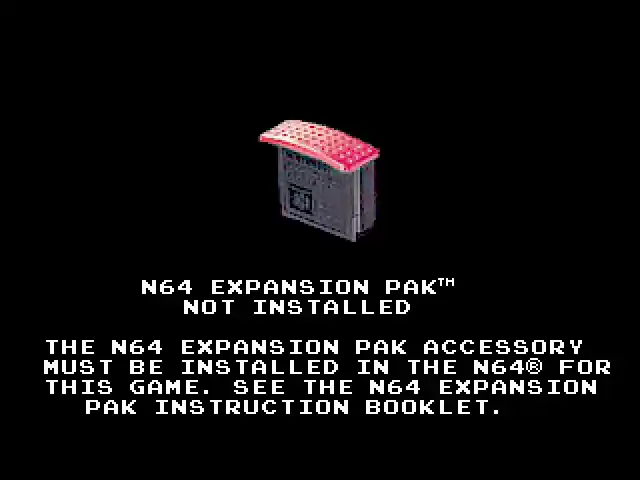
There are three games that literally will not boot unless an Expansion Pak is installed:
Donkey Kong 64: Originally bundled with the Pak.
The Legend of Zelda: Majora’s Mask: Required for more on-screen models, deeper draw distances, and better special effects.
Perfect Dark: While it “technically” boots without it, about 95% of the game is locked. You cannot play the single-player campaign or 4-player multiplayer without the upgrade.
The “Enhanced” Titles (Better with it)
Over 60 games detect the extra RAM and use it to improve the experience. Common upgrades include “Hi-Res” modes (increasing resolution from 240p to 480i) or smoother framerates.
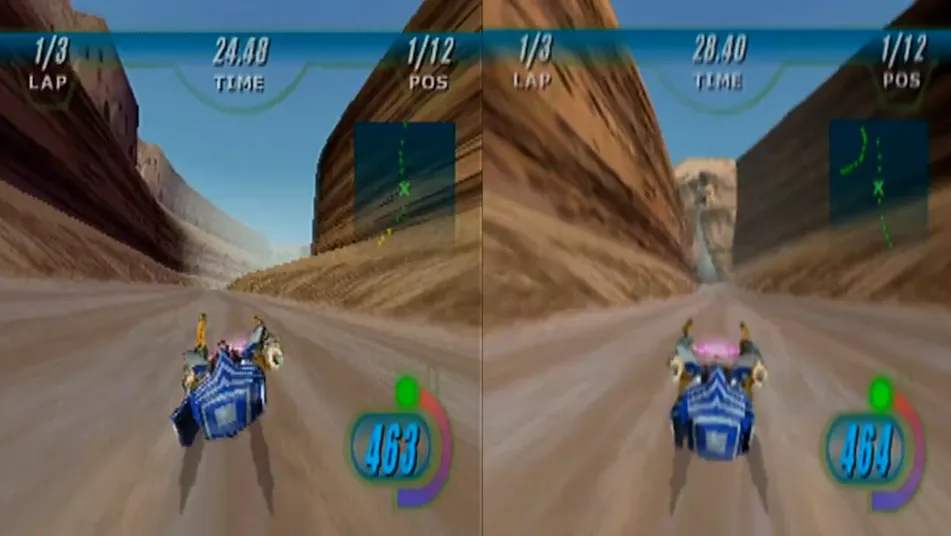
Star Wars: Rogue Squadron: One of the best examples of a massive resolution jump.
Turok 2: Seeds of Evil: Unlocks a high-resolution mode that looks stunning but can impact performance.
Resident Evil 2: Uses the extra RAM to fit higher-quality textures and FMV sequences onto the screen.
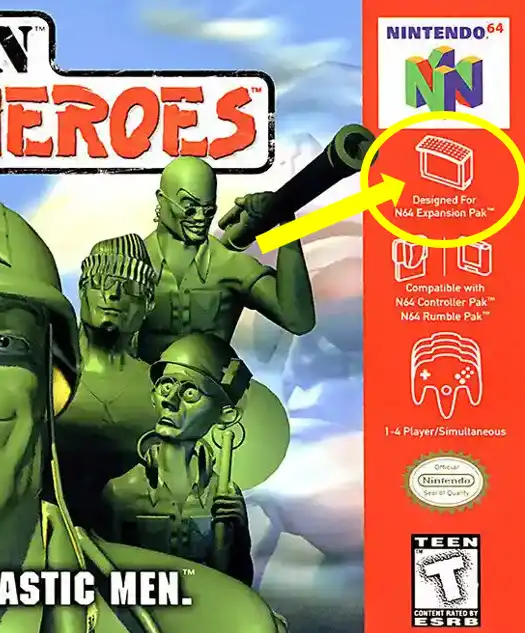
For a full list of all games that support the Expansion Pak and what specific benefits they offer, you can find a comprehensive list here.
The “Hi-Res” Trap: Performance vs. Visuals
A common mistake is thinking that the Expansion Pak always makes a game “better.” In many titles (like Turok 2 or Hybrid Heaven), activating the “High Resolution” mode in the options menu can actually cut your framerate in half. While the image looks sharper, the gameplay might feel sluggish. Many pro-gamers actually prefer playing in standard resolution for a smoother experience!
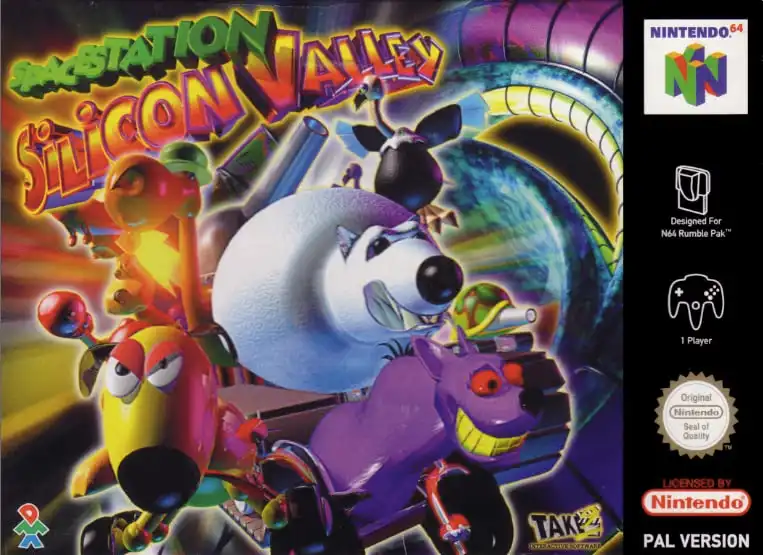
An essential deep-cut for experts: Some revisions of Space Station Silicon Valley suffer from a notorious bug where the game often crashes at startup or during the intro if an Expansion Pak is installed. To play it stably, you actually have to swap the upgrade back for the original Jumper Pak. It’s one of the rare cases where the “superior” hardware actually breaks the game.
Choosing Your Memory: Official, Third-Party, or Open Source?
Not all 8MB upgrades are created equal. Depending on your budget and your technical preference, you generally have three paths:
1. The Official Nintendo Expansion Pak
Recognizable by its iconic red top, this is the most reliable option. It was engineered specifically for the console’s thermal requirements. While it is the most expensive choice on the second-hand market today, it offers the best compatibility and heat management.
2. Third-Party Alternatives
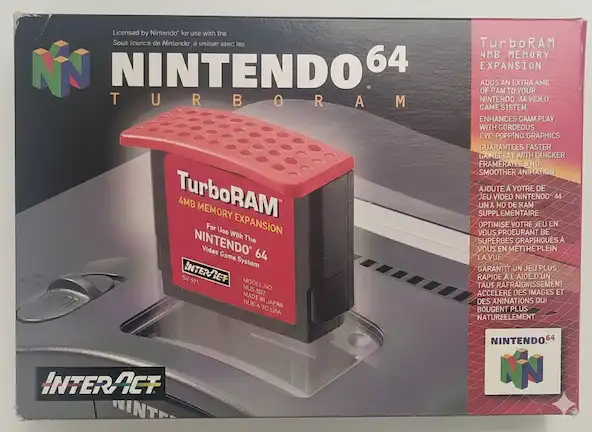
During the N64’s lifespan, companies like InterAct and Joytech released their own versions of the Expansion Pak. While most of these vintage third-party paks actually used original Nintendo-spec RDRAM chips, they often skipped the high-quality thermal pads and the sophisticated metal heat-sync casing found in the official version. Because the N64’s memory runs notoriously hot, this poor heat dissipation can lead to graphical artifacts (visual glitches) or system freezes during long gaming sessions.
3. Open Source: The LambBrainz Project
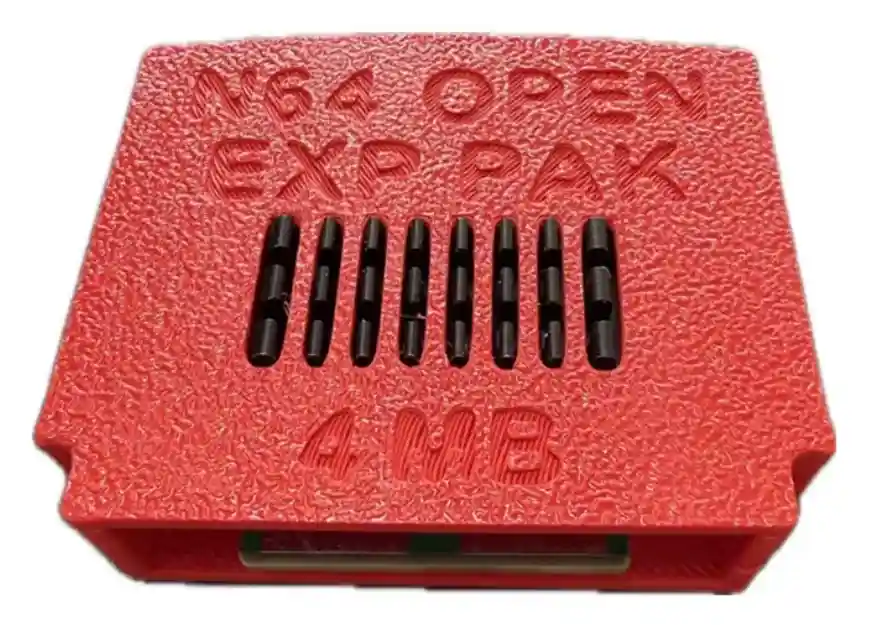
For those who want a brand-new alternative without the “collector’s tax” of official hardware, the community has stepped up. A standout example is the Open Source N64 Expansion Pak developed by LambBrainz (Mason Stooksbury).
This project is a 1:1 hardware recreation that uses the exact same RDRAM chips and circuit layout as the genuine Nintendo version. By utilizing high-quality modern PCBs and ensuring proper thermal contact, it provides a reliable, “new-old-stock” experience for daily players.
🔗 Read More: Check out the full coverage on the LambBrainz Open Source Expansion Pak here for a deeper look at the build, its development and where to buy it.